Independent hosted alternative
God's Eye View online: a hosted live map
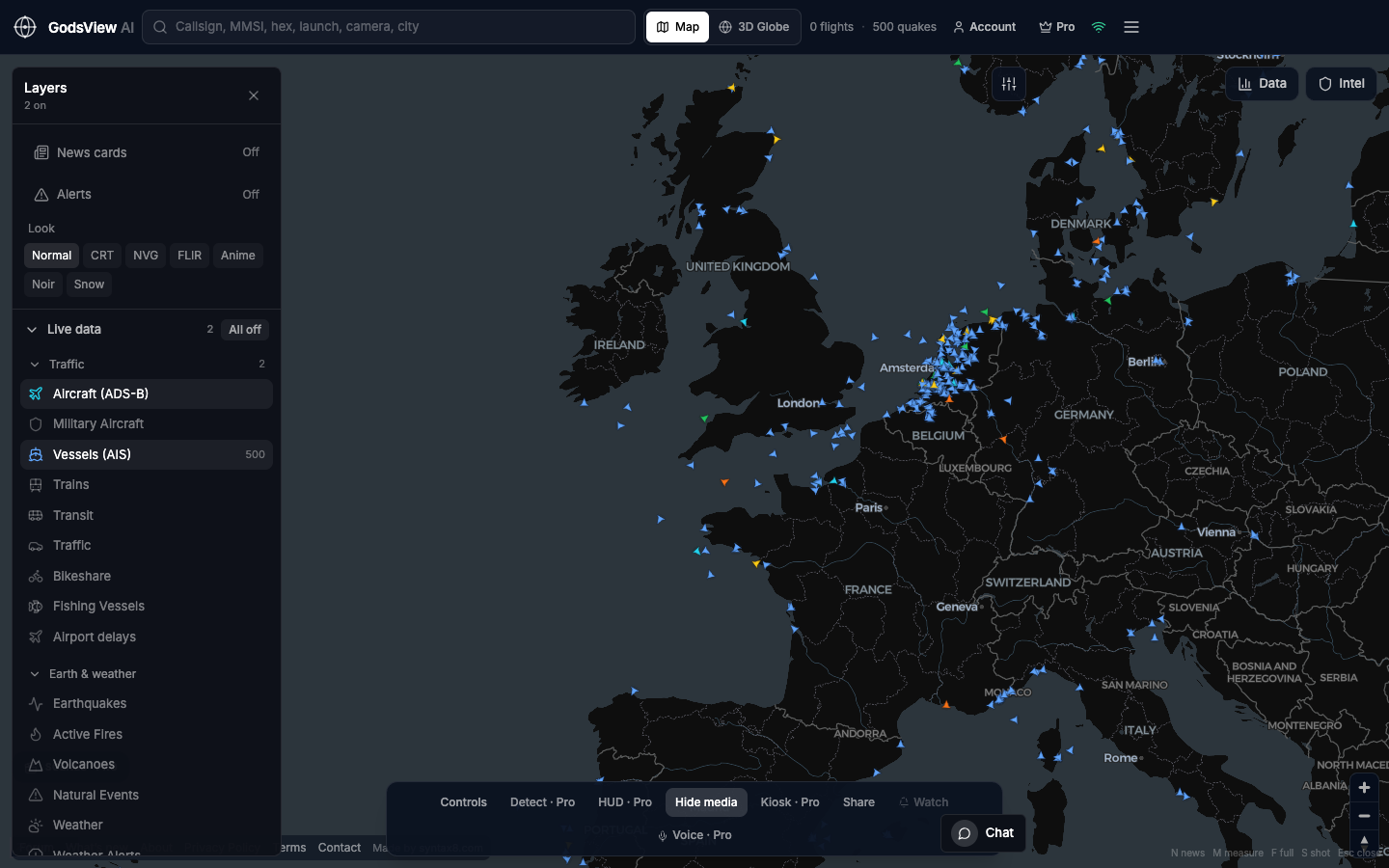
If you searched for God's Eye View online, you probably want a live picture of the planet that opens in a browser tab. GodsView AI is an independent hosted map built for that: open godsviewai.com and flights, ships, earthquakes and wildfires load without an install or API keys once you sign in with a free account.
God's Eye View is also the name of a popular open-source project on GitHub by Bilawal Sidhu: a photoreal 3D globe you run on your own computer. GodsView is not affiliated with that project. It is a separate product for people who would rather open a website that stays online than run software locally. Our comparison guide covers the differences in detail.
What loads in the browser
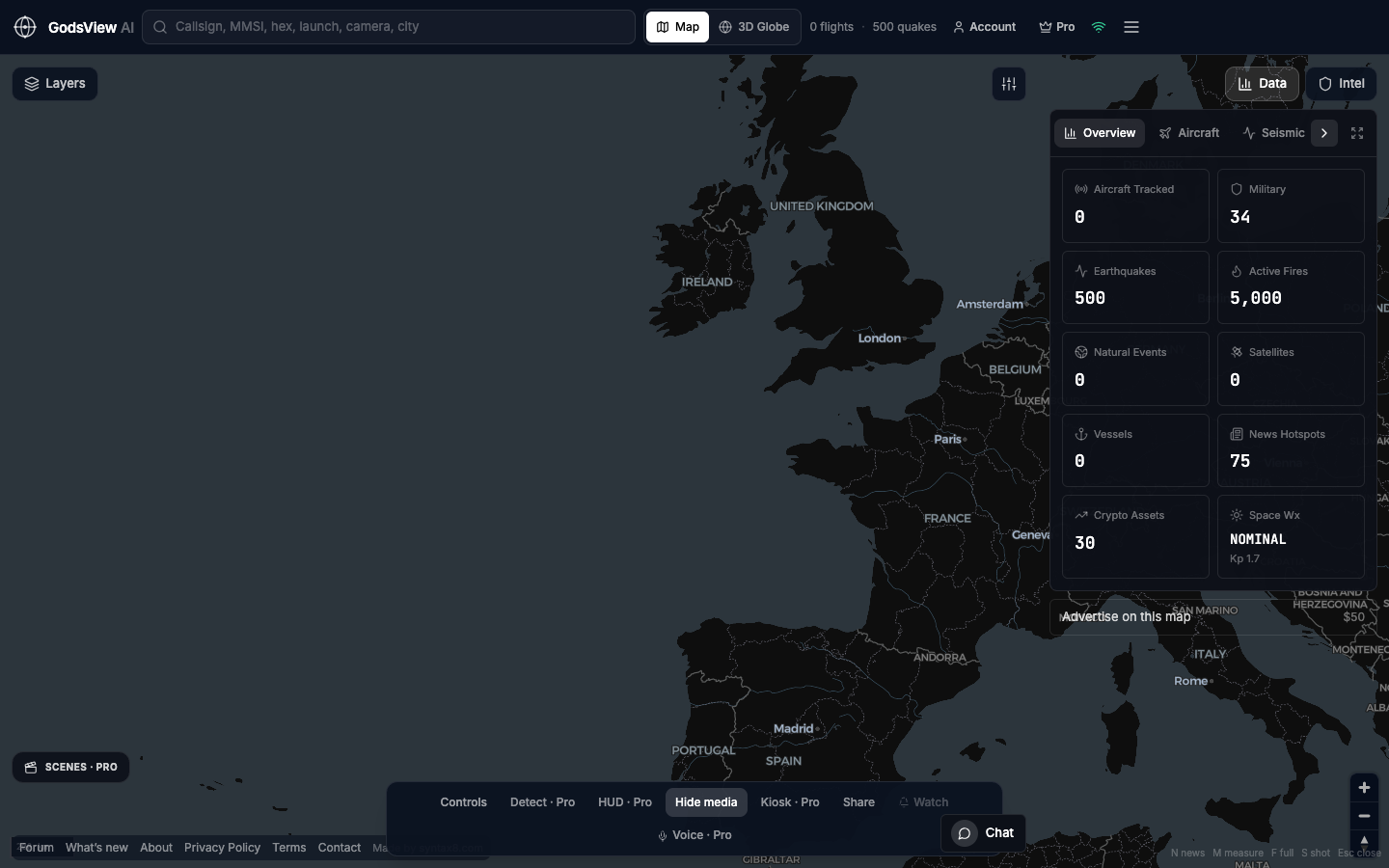
The free tier includes a 2D map, a 3D globe, and live layers for aircraft, ships, satellites, earthquakes, fires and weather, plus the news feed. With a free account you can pan, zoom, search and click any icon at no cost.
- Aircraft from public ADS-B (OpenSky Network, with adsb.lol and adsb.fi as fallbacks), refreshed about every 10 seconds
- Ships from a terrestrial AIS stream (aisstream.io), refreshed about every 30 seconds
- Earthquakes from USGS and active-fire detections from NASA FIRMS
- Satellite positions computed from CelesTrak orbital elements
- A 2D map (MapLibre GL) and a 3D globe (CesiumJS) in the same app
- Search for callsigns, hex codes, MMSI numbers, places and launches
What Pro adds
Pro is optional. It removes ads and the 30-minute live-viewing limit, and adds alerts (in-app, browser push and email), watchlists and watch-area alerts, the photoreal 3D globe with follow-in-3D views, kiosk mode for a wall screen, live public cameras, military aircraft and Starlink layers, and the GodsView AI assistant.
Hosted map or local install
Running the open-source globe yourself gives you full control of the code and a photoreal 3D view, in exchange for setup time, API keys for some layers, and a computer that has to stay on. A hosted map trades that control for a link that works on any device and keeps updating when your laptop is closed. The right choice depends on whether you want to build and modify, or simply watch. Our alternatives guide lists both kinds of tools.
Getting started
Start with the one or two layers that match your question. For flights, keep Aircraft on and switch the rest off. For ships, use Vessels. For a quake or a fire, turn on those hazard layers and zoom to the region. Fewer layers make each icon easier to read.
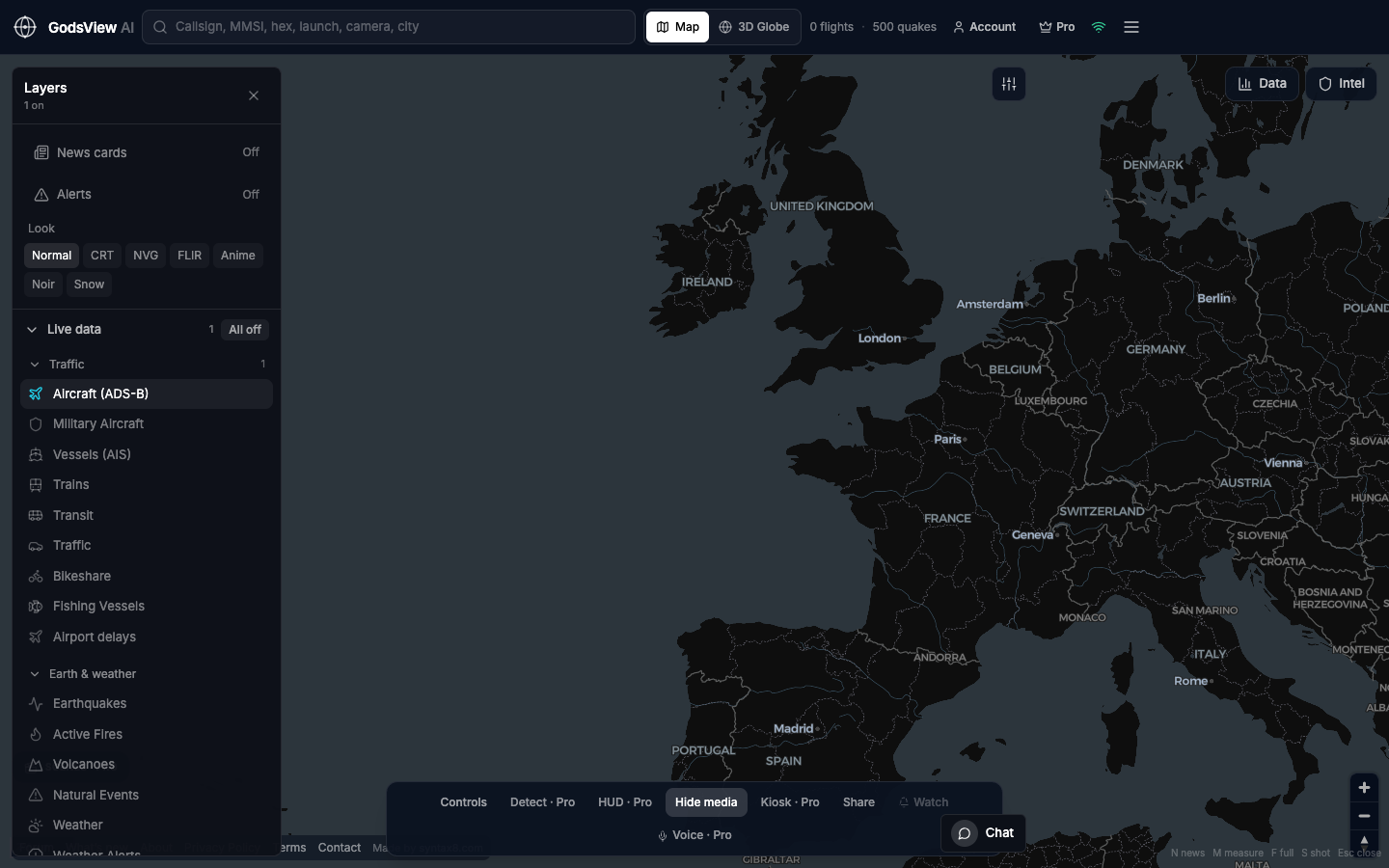
Wait for the counts in the header to fill, then search a callsign or MMSI, or click any icon to open its details. Share copies a link that reopens the same view for a colleague.
Questions
Is GodsView AI the official God's Eye View website?
No. God's Eye View is an open-source project on GitHub by Bilawal Sidhu. GodsView AI is a separate, independently built hosted map with no affiliation to that project, and it does not use or distribute its code.
Do I need to install anything or add API keys?
No. GodsView runs in the browser at godsviewai.com. Visitors need no API keys; you sign in with a free account to open the map, and no payment is required.
Is it free?
Yes, there is a free tier with the map, flights, ships, satellites, earthquakes, fires, weather and the news feed. Pro is optional and adds alerts, watchlists, advanced 3D, live cameras and more, without ads or the 30-minute viewing limit.
Is there a mobile app?
No. GodsView is web only. It works in a mobile browser, and the same link opens on a laptop, a phone or a wall screen.
Related trackers
Optional email list: subscribe from the page in a browser, or open an account.