Comparison
GodsView vs God's Eye View: Hosted Map or Local 3D Globe?
Two unrelated projects with similar names: one is an open-source photoreal globe you install, the other is a hosted live map you open in a browser. Here is how they differ and who each one suits.
Key takeaways
- GodsView AI and God's Eye View are separate projects with no affiliation; God's Eye View is an MIT-licensed open-source app by Bilawal Sidhu.
- God's Eye View leads on photoreal 3D, sensor-style visuals, a voice agent and code you can modify, but you install and run it yourself.
- GodsView runs in any browser with no install or API keys and adds alerts, an incident register and a camera wall.
- God's Eye View is free software, though optional keys such as OpenAI or a direct Google Maps key are metered; GodsView has a free tier and a Pro plan from $10.99 a month (October 2026).
GodsView vs God's Eye View: the short answer
God's Eye View is an open-source, MIT-licensed photoreal 3D globe by Bilawal Sidhu that you install and run on your own computer. GodsView AI is a hosted web app at godsviewai.com that opens in a browser with no install and no API keys. The two are unrelated projects that happen to share an idea: putting live public data such as aircraft, ships and satellites on one map.
Pick God's Eye View if you want cinematic photoreal 3D, a voice agent and source code you can change. Pick GodsView if you want a live map that opens on any device in seconds, with alerts, watch areas, an incident register and a camera wall, and no setup.
This comparison covers what each tool does well, what it costs as of October 2026, how setup differs, what neither can tell you, and a quick guide to choosing. Facts about God's Eye View come from its public GitHub repository, checked on October 20, 2026.
Are GodsView and God's Eye View related?
No. God's Eye View lives at github.com/bilawalsidhu/gods-eye-view and is maintained by its own team. GodsView is an independent product. GodsView is not an official, hosted or licensed version of God's Eye View, and neither project endorses the other.
The confusion is understandable, because "god's eye view" is a common phrase for a top-down picture of the world. Our own page about viewing a god's-eye map online uses the phrase in that generic sense.
The God's Eye View README also states that its maintainers are building an official hosted version through Halfpixel. On October 20, 2026, that site showed a waitlist rather than a public release, so today the project runs only where you install it.
Feature comparison at a glance
| God's Eye View | GodsView | |
|---|---|---|
| What it is | Open-source app you run locally | Hosted web app |
| License | MIT for code; bundled data keeps its own terms | Proprietary service |
| Setup | Pinokio, Node.js 24.14+ or 26, or Docker | None; open in a browser |
| API keys | None to start; optional keys add layers | None needed |
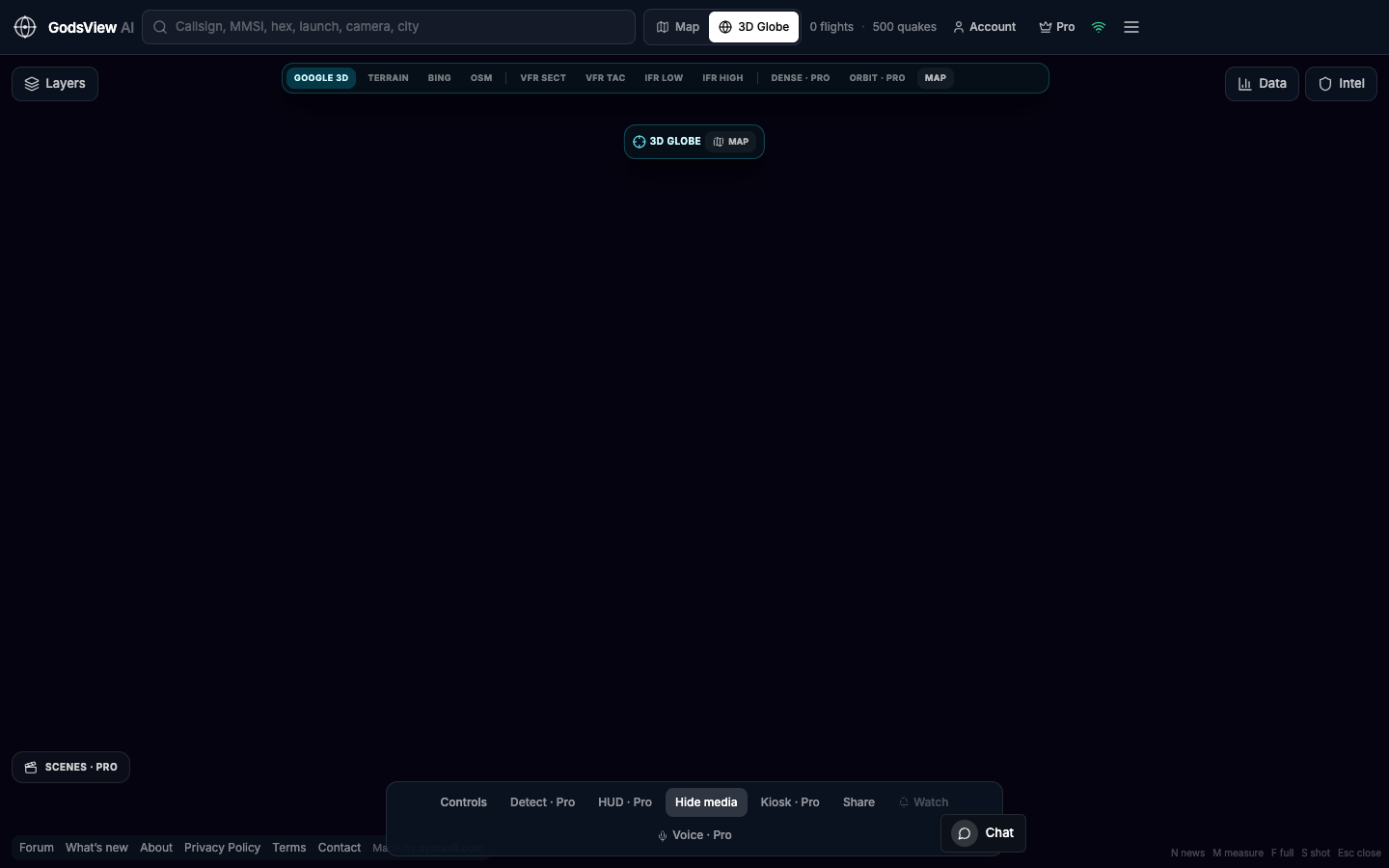
| Photoreal 3D | Yes, with a Cesium ion token or Google key | Pro (Google Photorealistic 3D Tiles) |
| Aircraft | OpenSky and adsb.lol | OpenSky, falling back to adsb.lol and adsb.fi |
| Ships | AISStream (free key) | aisstream.io; no key needed |
| Public cameras | About 4,000, projected into 3D | Catalogue of about 229,000 (2 open on Free) |
| Voice / AI | Realtime voice agent (OpenAI or Gemini key) | GodsView AI assistant (Pro; 1 free question a day) |
| Alerts and watch areas | Not a core feature | Pro: in-app, browser push, email |
| Incident register | No | Ops Center, free to view |
| Code access | Full source, extend any layer | No self-hosting, no public API |
| Cost | Free software; some keys metered | Free tier; Pro from $10.99/month |
Where God's Eye View is better
Photoreal 3D and visual style
God's Eye View is built around photoreal 3D. With a free Cesium ion token (for eligible personal, non-commercial use) or a Google Maps key, it streams Google Photorealistic 3D Tiles, then lets you switch the whole globe into CRT, night-vision or FLIR-style looks. Its cockpit mode rides a tracked aircraft down to the runway, and it projects about 4,000 public camera feeds into the 3D city rather than showing them as flat thumbnails.
Open source you can extend
The code is MIT licensed, and each layer is a separate module, so you can read it, fork it and add your own data. The repository had about 58,500 stars and 11,400 forks on October 20, 2026, which means a large community filing issues and sending pull requests. One caution from its own license file: some bundled datasets, such as the submarine cable map, carry non-commercial terms.
A voice agent that drives the map
With an OpenAI or Gemini key you can talk to the globe: ask it to fly to an airport, track the nearest aircraft, draw a route or count flights over a state. The README lists about thirty voice tools. It also ships an MCP server so desktop AI assistants can open the globe inside a conversation.
Privacy and control
The server binds to localhost by default, and keys stay on your machine. If you want an air-gapped demo, a classroom fork or a custom layer for your own data, a local app gives you that control.
Where GodsView is better
No install, any device
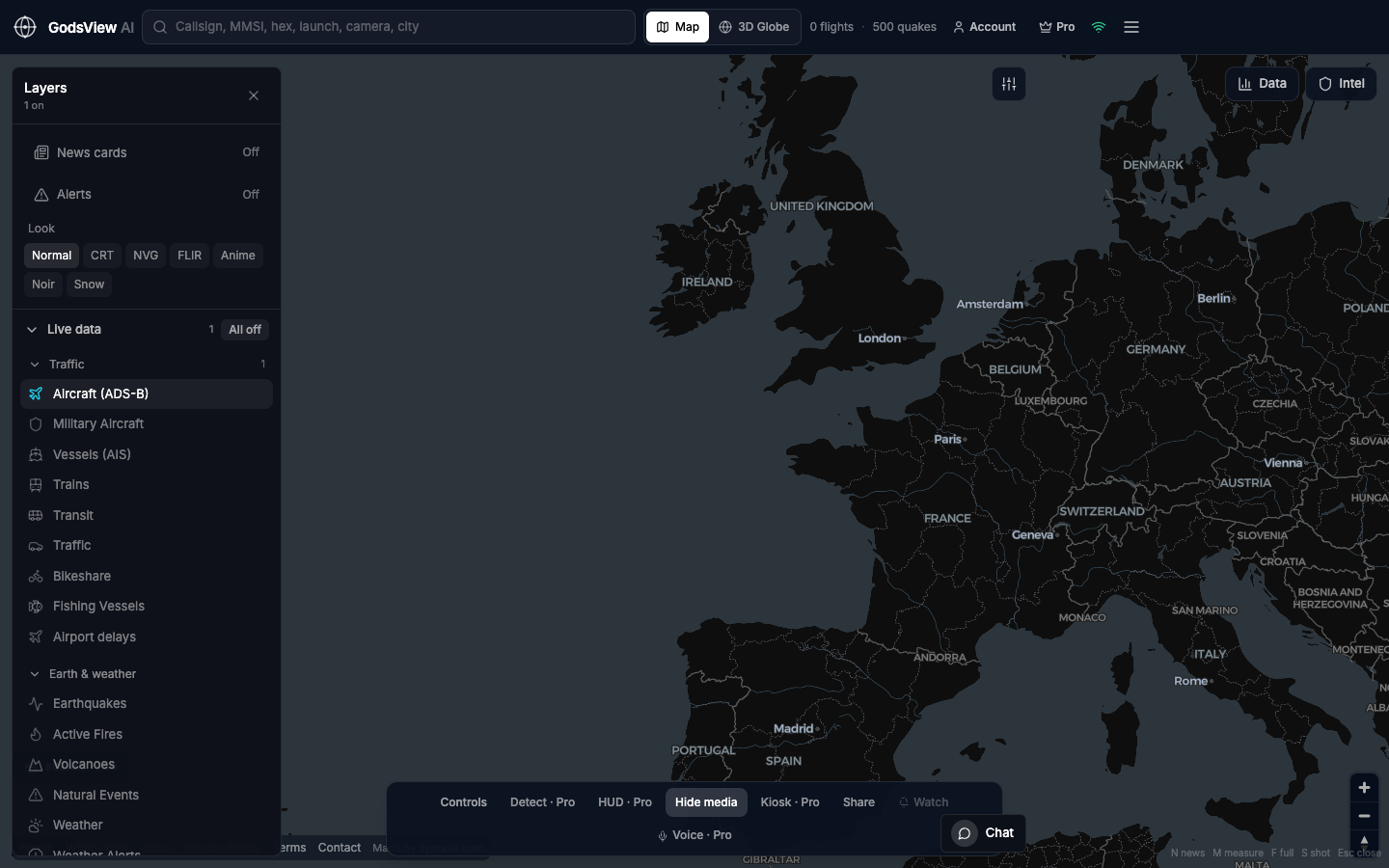
GodsView opens at godsviewai.com on a laptop, a tablet or a wall display, with no Node.js, no Docker and no keys. Viewing needs no sign-in. That matters when you want to share a view with a colleague: a share link reopens the same map for them.
Alerts and watch areas
Pro adds alerts for takeoff and landing, emergency squawks 7500, 7600 and 7700, vessel arrivals, military aircraft entering an area, M4.5+ earthquakes, fires and internet outages, delivered in-app, by browser push and by email. Watch areas (geofences) let you draw a region and get notified when something enters it.
Ops Center and video wall
The Ops Center merges reports of the same event from many sources, scores each incident from 0 to 100, and lets you export CSV or JSON. The video wall shows up to a 4x4 grid of live news channels and public cameras. Our Ops Center guide walks through both.
Breadth of layers in one place
Beyond the live flight tracker and ship map, GodsView carries weather alerts, NASA FIRMS fires, GDACS disaster alerts, satellite orbits from CelesTrak, and on Pro, infrastructure layers, NOTAMs, a Markets desk and a camera catalogue of about 229,000 public cameras. The full source list is on the methodology page.
Setup: running God's Eye View vs opening GodsView
| Step | God's Eye View | GodsView |
|---|---|---|
| 1 | Install Pinokio 8.2+ and click Install, or clone the repo | Open godsviewai.com |
| 2 | For the terminal path: Node.js 24.14+ or 26, then npm ci and npm run dev | Turn on layers |
| 3 | Open localhost:4173 | Optional: buy Pro for alerts and 3D |
| 4 | Add optional keys in the POWER UP panel |
God's Eye View works without keys from the first launch, using Esri satellite imagery, with flights, military traffic, satellites, earthquakes, cameras, radio and launches available. Ships need a free AISStream key and active fires need a free NASA FIRMS key. Photoreal 3D needs a Cesium ion token or a Google Maps key.
How much does each cost? (October 2026)
God's Eye View is free software. Most layers cost nothing. The README describes OpenAI voice as metered, with a $5 hard cap on API-key sessions, and a direct Google Maps key as billing-enabled, so check Google's Maps pricing before relying on it. You also supply the computer.
GodsView has a Free tier with the map, flights, ships, satellites, earthquakes, fires, weather and news, with banner ads and a 30-minute live-viewing pause. Pro costs $10.99 a month, $99.99 a year or $199.99 once for lifetime access, as of October 2026. There is no free trial.
Compare the free and Pro layers on the live map
What neither tool can tell you
Both maps show public broadcasts and published data, so they share the same blind spots. Terrestrial AIS goes quiet in mid-ocean. Some military and private aircraft do not broadcast or are filtered by feeds. Camera positions and poses can be approximate, and some traffic in God's Eye View is simulated along real roads, as its README notes.
God's Eye View's own notice says not to use it for navigation, emergency response or other safety-critical decisions, and the same applies to GodsView. For storms, fires or evacuations, follow your national weather service and local emergency agencies.
Who should pick which
- Pick God's Eye View if you are a developer, a 3D or GIS enthusiast, a content creator who wants cinematic captures, or a team that needs to run everything on its own hardware.
- Pick GodsView if you want a live map on any device with no setup, alerts on aircraft, ships or areas, an incident register for daily monitoring, or a wall display for a newsroom or operations room.
- Use both if you like building in 3D locally but also want a shareable browser map for colleagues who will not install anything.
For a wider field, see our list of God's Eye View alternatives, the God's Eye View vs World Monitor head-to-head, and the roundup of the best live OSINT maps.
The short version
God's Eye View is the stronger choice for photoreal 3D, voice control and open code, and it costs nothing beyond optional metered keys and your own hardware. GodsView is the stronger choice for a no-install browser map with alerts, an Ops Center and a large camera catalogue. They are independent projects, and many people will find room for both.
Frequently asked questions
Is GodsView affiliated with the God's Eye View project?
No. God's Eye View is an independent open-source project by Bilawal Sidhu, hosted on GitHub under the MIT license. GodsView AI is a separate hosted product with no affiliation, endorsement or shared code. The God's Eye View README says its maintainers are building an official hosted version through Halfpixel, which showed a waitlist on October 20, 2026.
Is God's Eye View free?
Yes. The code is free under the MIT license and most layers work without keys. Some optional providers cost money: OpenAI voice is metered, and a direct Google Maps key requires billing. A Cesium ion token enables photoreal 3D on its free Community plan for eligible personal, non-commercial use. Bundled datasets keep their own licenses, some non-commercial.
Do you need to install anything to use God's Eye View?
Yes. You run it on your own computer, either with the Pinokio one-click launcher (version 8.2 or later), from a terminal with Node.js 24.14+ or 26, or with Docker. It then opens at localhost:4173 in your browser. GodsView, by contrast, opens at godsviewai.com with no install, no keys and no sign-in to view the map.
Which has photoreal 3D cities?
Both can show Google Photorealistic 3D Tiles. In God's Eye View you add a Cesium ion token or a Google Maps key, and it adds sensor-style looks, cockpit rides and cameras projected into the 3D scene. In GodsView the photoreal globe, following an aircraft or ship in 3D and the cockpit ride-along are part of Pro.
Can GodsView be self-hosted like God's Eye View?
No. GodsView is a hosted web app only; it does not offer self-hosting, a public developer API or a mobile app. If running the software on your own hardware is a requirement, God's Eye View or another open-source project from our alternatives list is the better fit.
Sources
- God's Eye View — GitHub repository (Bilawal Sidhu)
- God's Eye View — README (setup, layers, keys and costs)
- God's Eye View — LICENSE (MIT plus third-party data notice)
- Halfpixel — waitlist page
- Cesium ion — pricing and Community plan eligibility
- Google Maps Platform — pricing
Facts checked on against each provider's own site.