3D globe
Live 3D Earth Globe in Your Browser
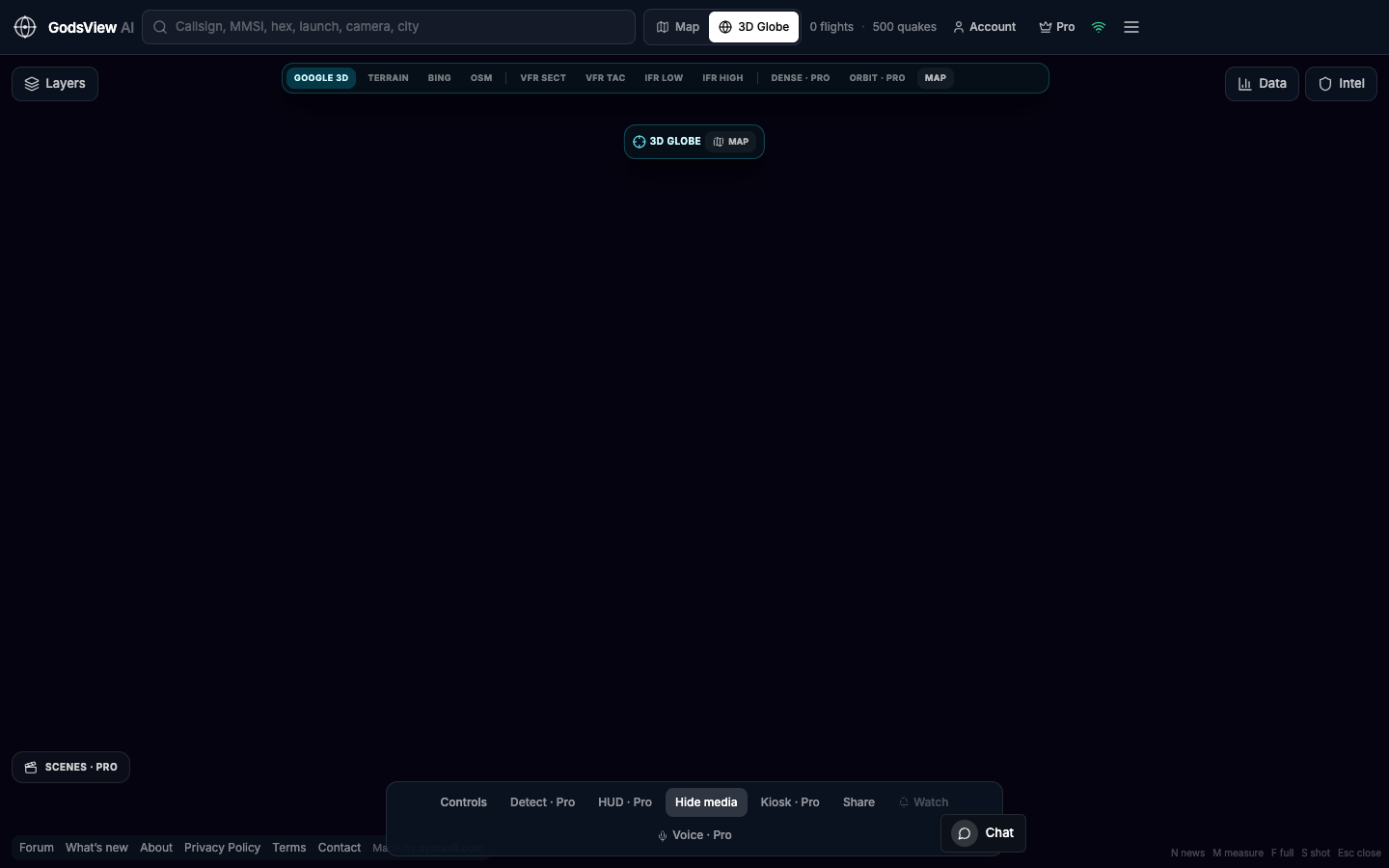
A live 3D Earth globe is what many people picture when they say God's Eye View. On GodsView AI, use the header toggle: Map for detailed work, 3D Globe for spatial context. Aircraft and other layers can stay on while you orbit. Everything runs in the browser.
When to use the globe versus the map
The 2D map is best for dense traffic, small click targets, and following a track. The globe shows the planet as a sphere—terminator, curvature, and wide context. Work on the map; use the globe when that wider view helps.
- Open godsviewai.com and wait for live counts.
- Layers: All off, then enable Aircraft or the layer you need.
- Click 3D Globe in the header.
- Orbit, then return to Map when you need precision clicks.
Keep extra layers off on the globe. Too many feeds at once makes the view hard to interpret.
Optional email list: subscribe from the page in a browser, or open an account.