Watch here or on the map
Live traffic cameras
GodsView AI links to public camera streams published by agencies and webcam operators. Watch a camera on its own or find it on the map. If a camera is dark, its operator has taken it offline or restricted it.
Cameras add visual context: whether a bridge is clear, what the weather looks like, or how busy a square is. Newsrooms should still confirm rights and details before using an image in a broadcast.
How to use this view
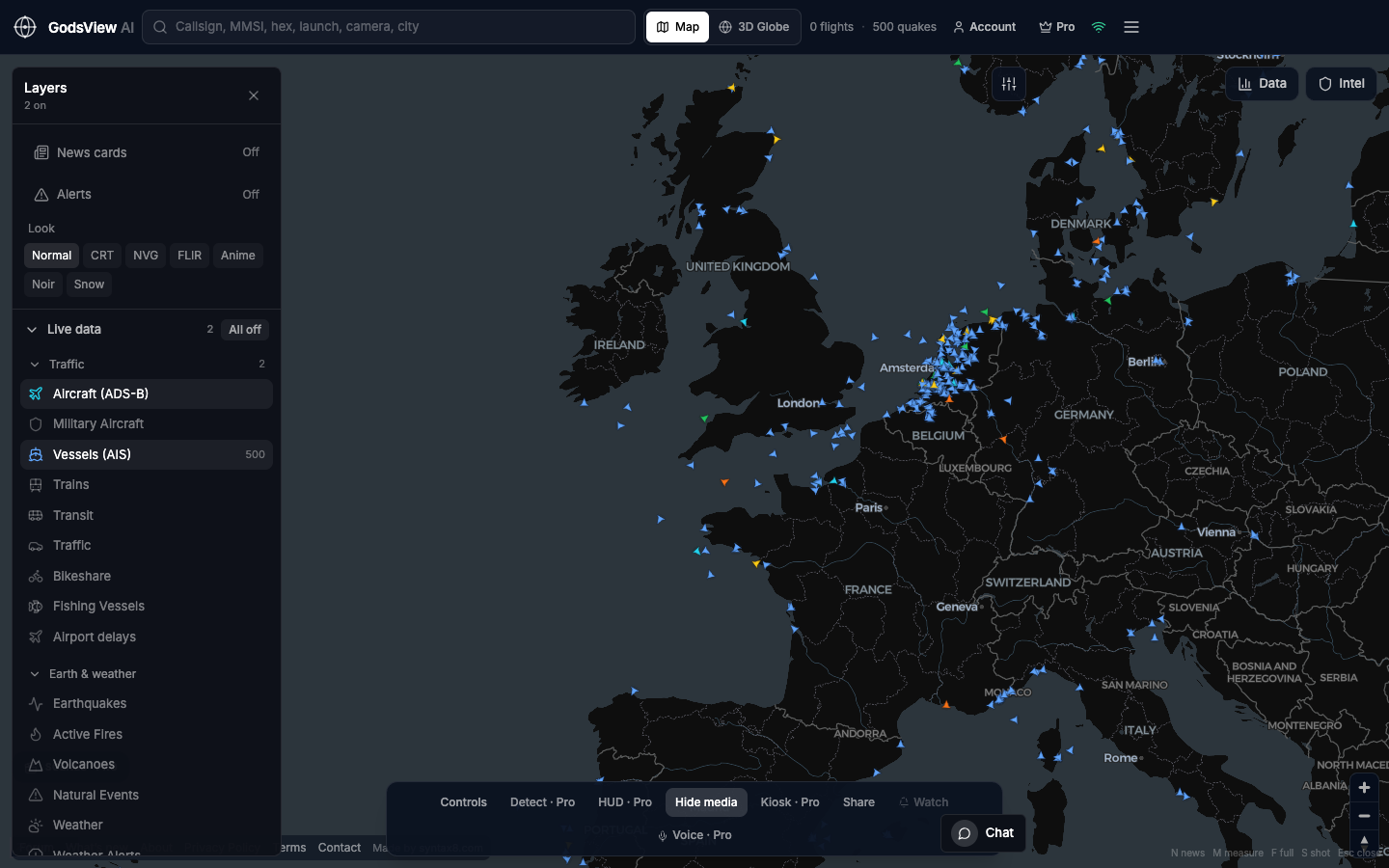
- Open Cameras in the header and choose a city or road.
- Watch the stream in the camera desk, or choose Show on map.
- On the map, click a pin and use Watch live to return to the desk.
Data source, update rate, and limits
The catalog lists about 229,000 public cameras from roughly 390 source feeds in about 174 countries and territories. The free tier opens two cameras; Pro opens the rest. Uptime depends on each operator.
Only cameras that operators publish openly are included, so many places have none. Streams can lag, freeze or go offline without notice. GodsView does not run face recognition or license-plate reading on this layer.
Questions
Does this show every camera in the world?
No. It lists public cameras that agencies and webcam operators publish openly.
Can I add my own camera?
Not from this page. If you operate a public stream you are happy to share, contact us.
Is it legal to watch these cameras?
These are streams their operators publish for public viewing. How you use what you see is subject to local law and the operator’s terms; this is not legal advice.
Why does the map open on New York?
It has many public cameras. Pan to any city to see what is available there.
Do you store faces or plates?
No. GodsView does not run face recognition or plate reading on this layer.
Related trackers
Optional email list: subscribe from the page in a browser, or open an account.