Tutorial
How to Use GodsView AI (Step by Step)
GodsView AI is a hosted live map. Your browser is the only client you need. This path goes from a blank tab to a view you can trust.
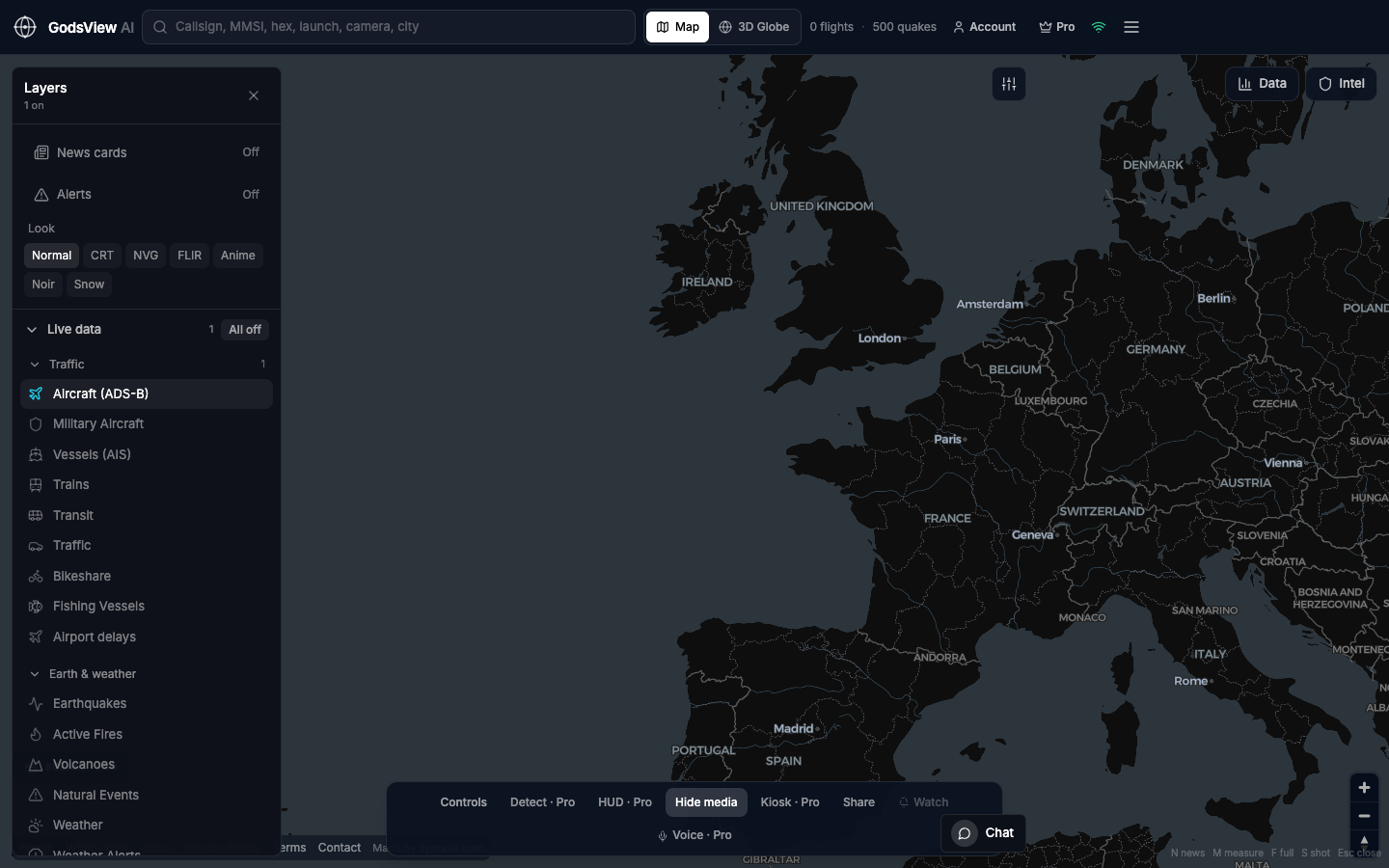
- Go to godsviewai.com. Wait until header counts show flights or earthquakes.
- Open Layers. Click All off.
- Enable Aircraft, Vessels, or Earthquakes and Active Fires.
- Stay on Map for detail work. Use 3D Globe when you want the spherical view.
- Search callsign, MMSI, or city—or click an object.
- Open Data for the inspector card.
- Skip the email prompt if you only want to browse. Create an account later for forum or Premium features.
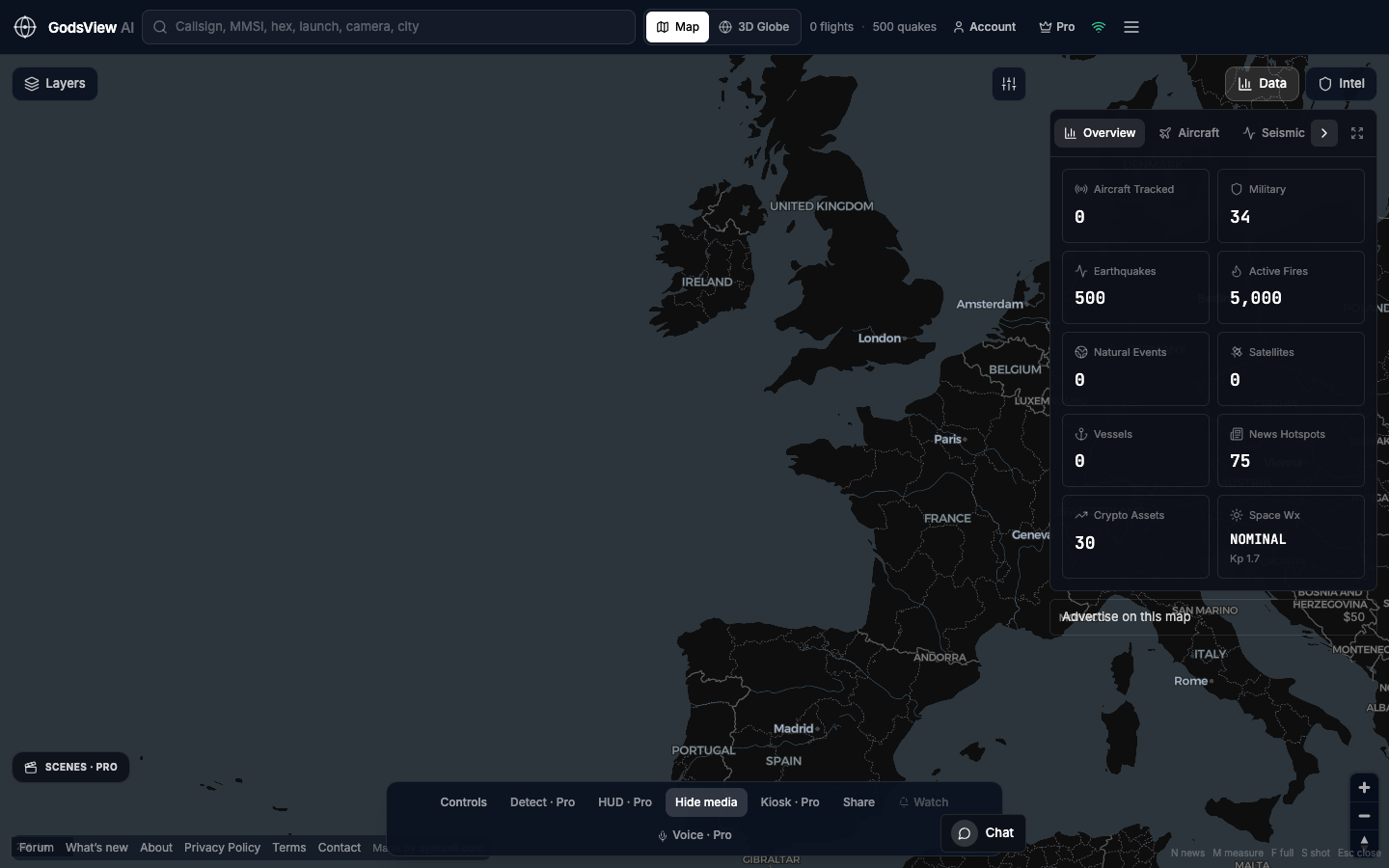
That workflow covers daily use. Other features are optional enhancements.
Optional email list: subscribe from the page in a browser, or open an account.