Tutorial
How to Track a Plane by Callsign
When you have a callsign—such as a airline flight number—you can search instead of panning the globe. GodsView AI accepts callsigns and hex codes. Select a result; the map centers on the aircraft and the data panel opens.
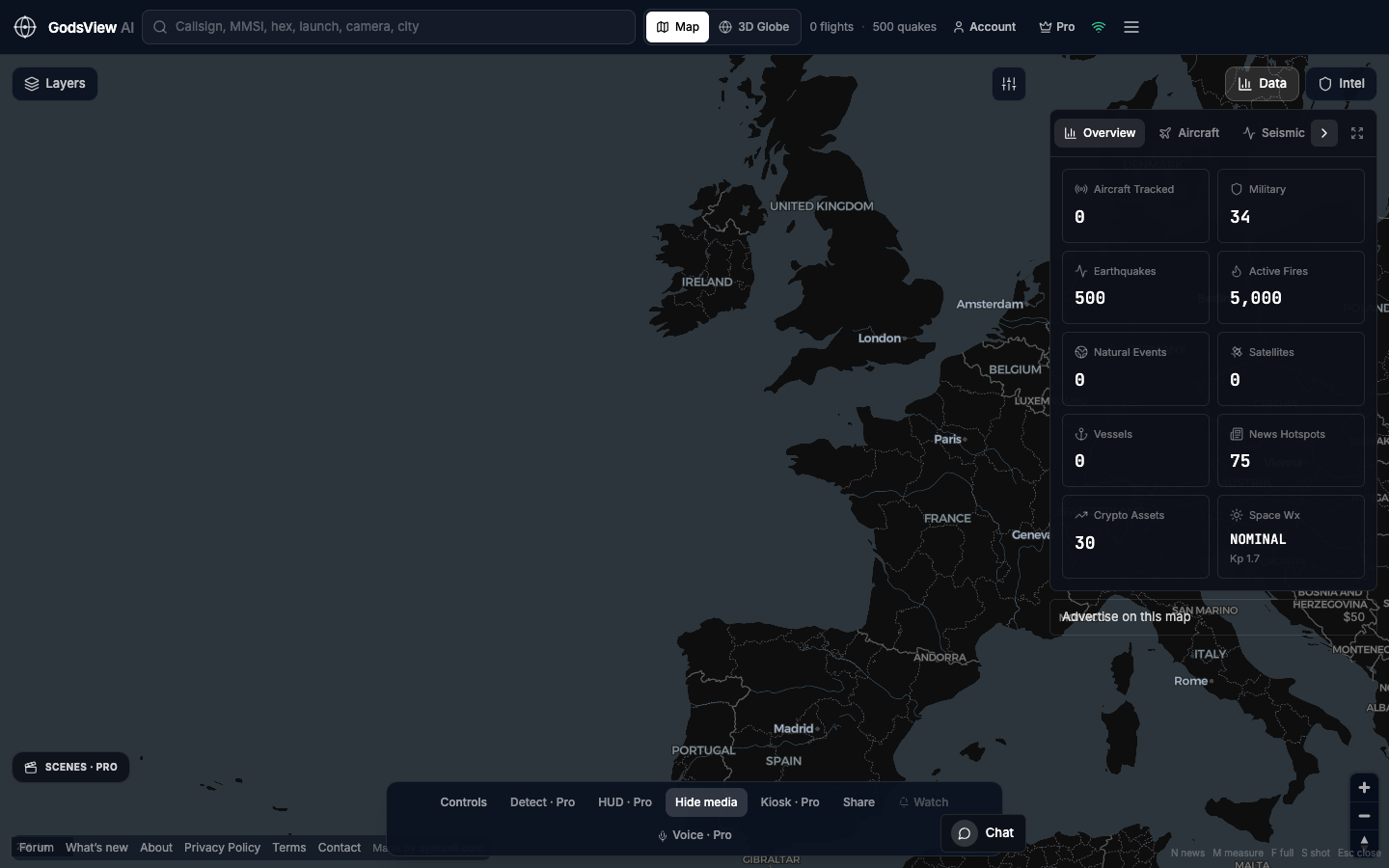
- Enable Aircraft. Turn other layers off.
- Type the callsign and wait for results.
- Click the aircraft. Read altitude and speed.
- If nothing appears, the flight may be on the ground, out of coverage, or using a different callsign today.
Hex codes (icao24) are often more stable than callsigns when you care about the airframe.
Optional email list: subscribe from the page in a browser, or open an account.