Desk
What’s On the Map: A Brief From the Live Layers
The feed is a pile. The globe is a pile with geography. I wanted one box that says what is actually live in the view, in a sentence I can read while the kettle boils. That is On the map.
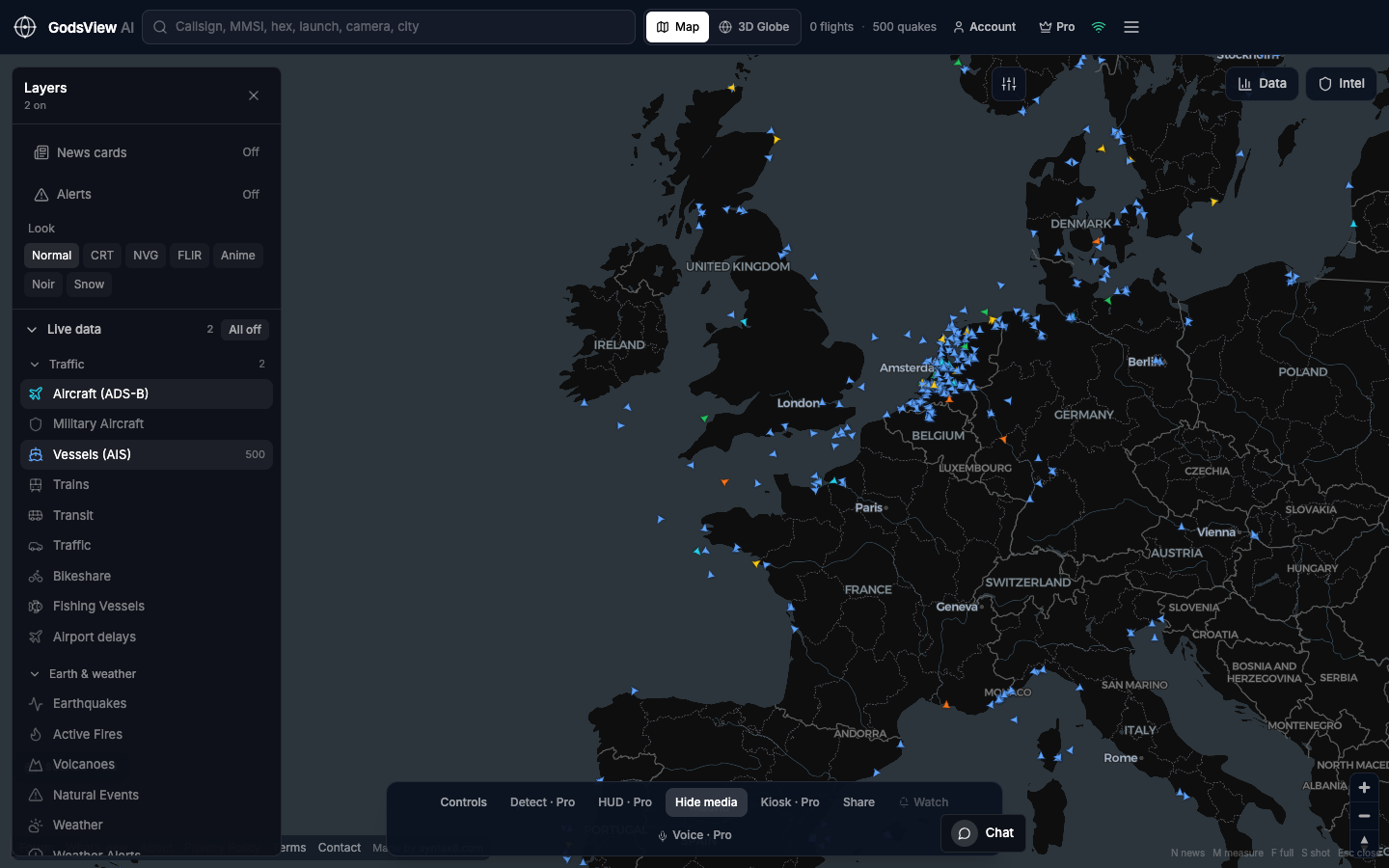
Where it lives
On World it sits near the top of the All feed. On the Globe it is the sparkle next to Map tools. Same brief. Click a line and the camera goes to that pin, not to a random continent.
What it is allowed to do
It only sees sensors we already fetched: USGS, FIRMS, GDACS, a few wires, traffic counts. It is not allowed to invent a coordinate. If the model gets poetic, we snap the pin back to the detection. If the box is quiet, it should say so.
We also refuse to ask the model every time you breathe. One brief per area, cached, handed to everyone for a while. AI calls cost money. A stale honest sentence beats a fresh hallucination.
How I treat it
- Read the lede. If it names a place I care about, click the line.
- Look at the layer. Confirm the blob is still there.
- Then open the agency page. The brief is a scout, not a byline.
Optional email list: subscribe from the page in a browser, or open an account.