How-to
How Journalists Use Live Maps to Verify Breaking News
Live data can confirm, narrow or contradict a breaking claim within minutes, if you know what each layer can show and you record the time you saw it.
Key takeaways
- Use live maps to test specific claims (a diverted flight, a fire, a quake, a ship in a strait), not to generate a story on their own.
- Write down the UTC time, the layer, the original provider and a share link for every observation you rely on.
- Absence of data is weak evidence: coverage gaps, filtered aircraft and satellite overpass timing all hide real events.
- Corroborate with at least one independent source type, such as an agency feed plus a camera or an on-the-ground report.
- Weigh harm before publishing live positions of people, private aircraft or vessels, and never use a map for evacuation decisions.
Journalists use live maps to test a breaking claim against independent data: whether a flight really diverted, whether satellites saw heat where an explosion was reported, whether an earthquake hit where social posts say it did. A live map rarely proves a story by itself, but it can confirm, narrow or contradict a claim within minutes, and it gives you timestamps you can cite.
This guide sets out a verification workflow, the layers that answer common newsroom questions, how to cite live data so an editor can check it, the pitfalls that catch experienced reporters, and the ethics of publishing positions. GodsView AI serves as the worked example, because it puts flights, ships, fires, quakes, cameras and an incident register on one hosted map, but the habits apply to any tool.
What can a live map verify, and what can it not?
A live map shows what sensors and agencies reported at a given time. That is powerful for physical, observable claims: an aircraft squawking 7700, a cluster of satellite heat detections, a magnitude 6 quake, a ship holding outside a port. It is weak for intent, attribution, casualties and anything that happens indoors.
| Claim in a breaking report | Layer to check | What it can show | Main caveat |
|---|---|---|---|
| "A plane declared an emergency" | Flights | Squawk code, track, altitude, diversion | Receiver coverage; some aircraft are filtered |
| "Military jets over the border" | Military flights | Aircraft that broadcast ADS-B | Many military aircraft do not broadcast |
| "Large fire or explosion at a site" | Wildfire / hotspots | Satellite heat detections | Overpass timing, cloud, 375 m to 1 km pixels |
| "Strong earthquake felt in the city" | Earthquakes | Magnitude, depth, time, PAGER alert | Early magnitudes are revised |
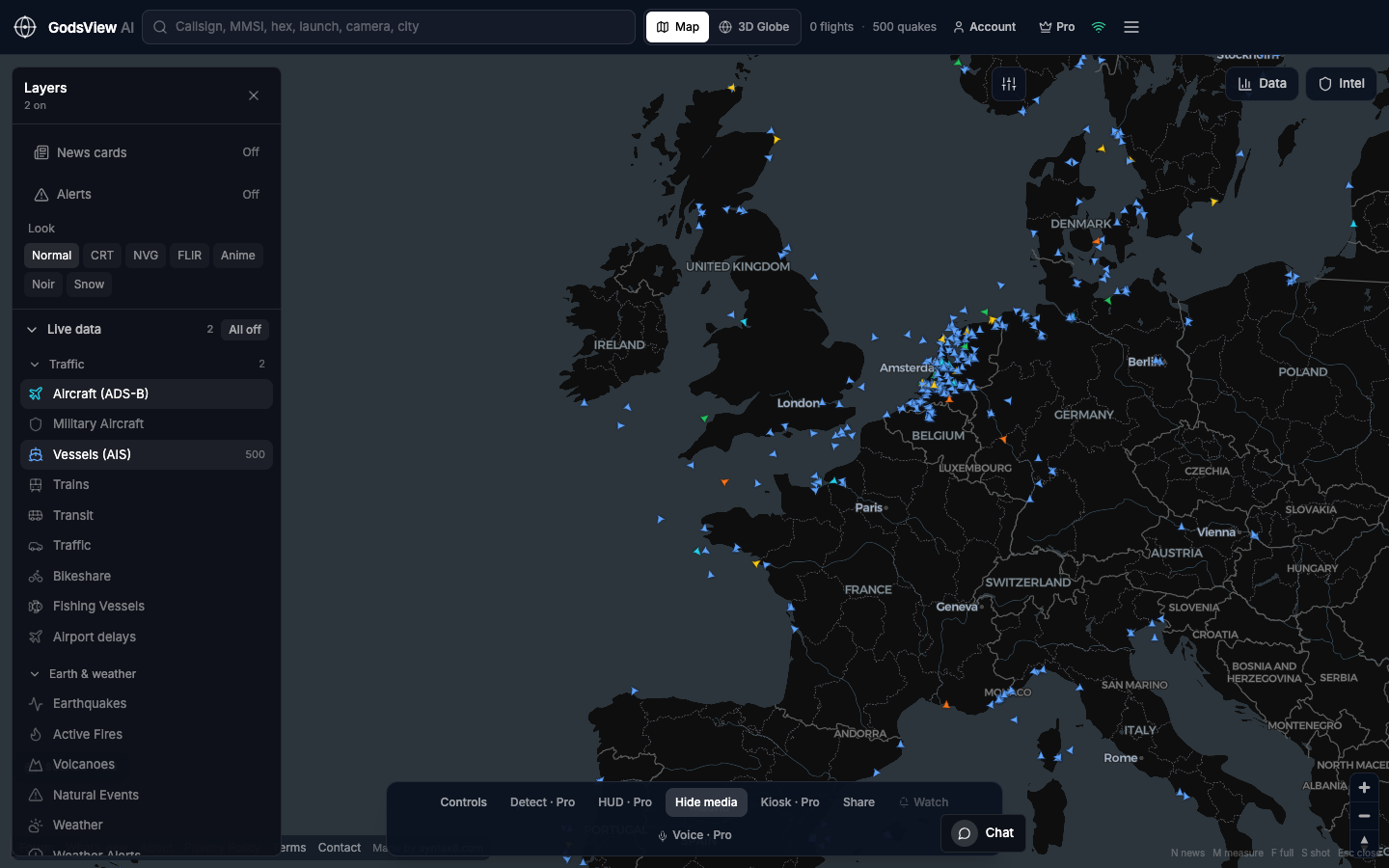
| "Tanker stopped in the strait" | Ships | AIS position, speed, heading | Terrestrial AIS fades offshore; AIS can be switched off |
| "GPS outages around the airport" | GPS jamming | Known zones and aviation SIGMETs | It does not measure jamming directly |
| "Scene is calm / flooded now" | Public cameras | Current view, if a camera exists | Camera time and location must be checked |
A verification workflow for breaking news
The workflow below follows the logic of most open-source verification guides: start from the claim, find independent data, compare times and places, then decide what you can say. The OSINT explainer covers the discipline in more depth.
- Write the claim down precisely. Who says what happened, where, and when, in UTC. "Explosion near the airport around 14:20 local" is testable; "chaos in the city" is not.
- Fix the place. Get coordinates for the named site and set a radius. A saved view or share link keeps you anchored.
- Check agency and sensor layers first. Quakes, fire detections, weather alerts and squawks come from instruments or agencies and carry their own timestamps.
- Check movement layers. Flights holding, diverting or avoiding an area, and ships slowing or turning, can be strong indirect evidence.
- Look for imagery. A nearby public camera or a later satellite pass can show the scene; confirm the feed's location and that it is current.
- Compare times. Line up the claim time, sensor times and post times on one UTC timeline. A fire detection two hours before the "attack" changes the story.
- Decide your wording. Say what the data shows, not what it implies: "satellite sensors detected heat at the site at 11:42 UTC" rather than "satellites confirm the strike".
Using the Ops Center as a starting point
The GodsView Ops Center merges agency alerts, sensor data, a news wire and social posts into scored incidents, and labels each one Confirmed, Corroborated, Reported or Unverified depending on which source types back it. That label is a triage aid, not a verdict, but it tells you quickly whether an agency or sensor has seen anything. Each incident lists its source reports with UTC times and links, and "Copy brief" puts them on your clipboard. The Ops Center guide explains the scoring in full.
Check incidents in the Ops Center
How to cite live map data with timestamps
Live data changes by the second, so a citation without a time is close to useless. For every observation that supports a sentence in your story, record five things:
- Time observed in UTC, with the date.
- Layer and original provider, for example "USGS earthquake feed via GodsView" or "NASA FIRMS VIIRS detection via GodsView".
- Identifier: flight callsign and ICAO hex, ship MMSI, USGS event id, CVE number.
- Location as coordinates, not just a place name.
- A share link or screenshot that shows the view. GodsView share links reopen the same view, and a screenshot with a visible clock helps an editor see what you saw.
A note in your file might read: "2026-10-20 13:05 UTC. Aircraft hex 4CA7B5, squawk 7700, descending through FL180, 40 km west of the airport. Source: ADS-B via GodsView (OpenSky / adsb.lol). Screenshot saved." In copy, credit the original provider where you can, since the map is the window and the agency or network is the source. GodsView's methodology page lists the provider behind each layer.
Common pitfalls when verifying with live maps
Treating absence as proof
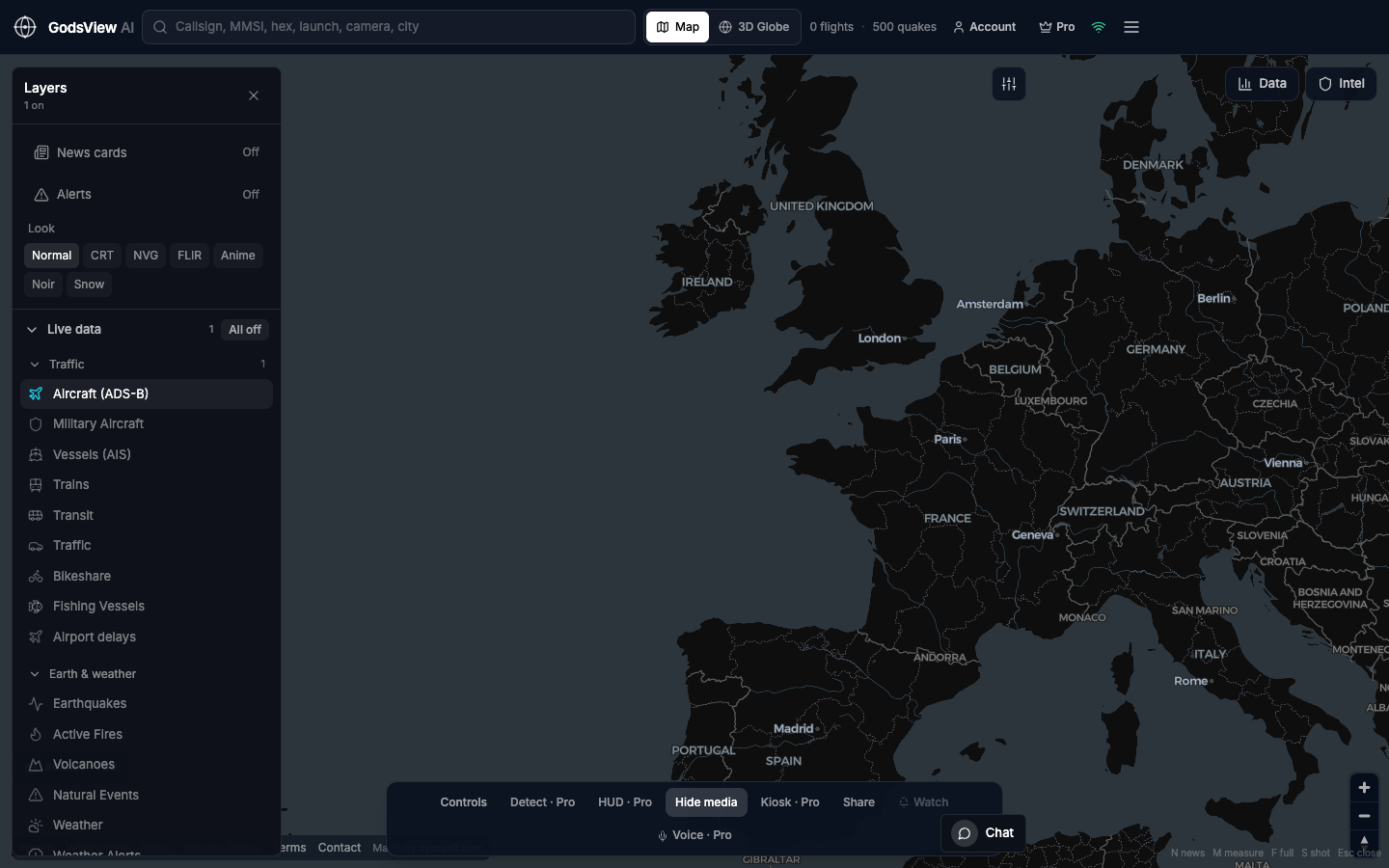
No aircraft on the map does not mean no aircraft in the sky. Ground receivers have gaps over oceans, deserts and conflict zones, some military flights do not broadcast, and in the US the FAA's LADD program lets owners limit public display of their aircraft on sites that use FAA data. The military aircraft tracking explainer goes through why.
Misreading satellite fire detections
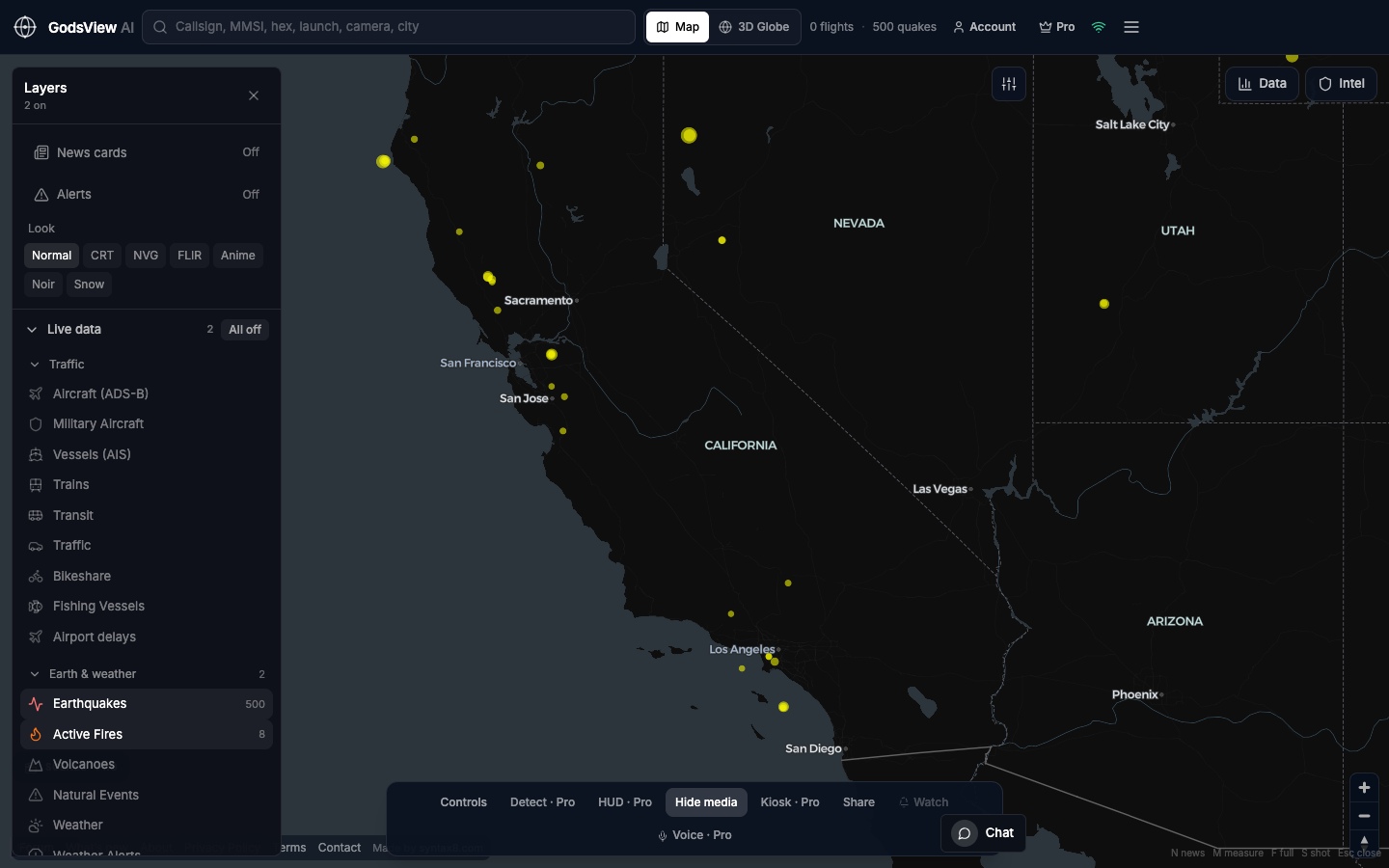
NASA FIRMS notes that each detection marks the center of a pixel of about 375 m (VIIRS) or 1 km (MODIS), so the dot is not the exact spot. Some detections are gas flares or volcanoes rather than fires, and clouds or smoke can hide a real fire. Standard near-real-time data arrives within about 3 hours of the overpass, and each sensor passes over a given place only a few times a day. The FIRMS explainer covers confidence values.
Trusting the first number
Early earthquake magnitudes and locations are often revised as more stations report. Note the time you read the number and recheck it before publication. The earthquake map guide explains magnitude types and review status.
Counting echoes as confirmation
Ten outlets repeating one wire story are one source. Two posts sharing the same video are one source. Look for independent collection: a different sensor, a different reporter, a different camera angle.
Forgetting time zones and latency
Mix local time and UTC once and your timeline is wrong. Remember too that "live" layers lag by seconds to hours depending on the source, so a position on screen is a recent position, not a guaranteed current one.
Ethics: what to publish and what to hold back
The SPJ Code of Ethics asks journalists to seek truth and report it, minimize harm, act independently and be accountable. Live maps make the second principle harder, because positions are easy to screenshot and share.
- Weigh live positions of people at risk. Publishing the real-time location of a rescue flight, a convoy or a person under threat can put them in danger. Delay or generalize when the public interest does not need precision.
- Be careful with private aircraft and vessels. Broadcast data is public, but tying a tail number to a private person's movements raises privacy questions. See the guide to the legality of flight and ship tracking (informational, not legal advice).
- Treat camera feeds with care. Public cameras can show identifiable people; avoid publishing faces from a live feed unless it serves the story.
- Never present a map as safety guidance. Direct readers to official agencies for warnings and evacuation orders.
- Preserve what you used. The Berkeley Protocol, published with the UN human rights office in 2022, sets out standards for collecting, preserving and verifying digital open-source information. Its preservation habits suit newsrooms too.
A worked example (illustrative)
Suppose a social post claims a large explosion at an industrial port at 09:10 UTC, with a video. Here is how the workflow plays out in GodsView. The scenario is hypothetical and shows the steps, not a real event.
First, check the Ops Center for the country: is there an agency or sensor incident nearby, or only social posts marked Unverified? Next, open the wildfire layer and look for FIRMS detections at the port after 09:10, remembering overpass timing. Then check the ship layer for vessels leaving or holding offshore, and the flight layer for helicopters circling or aircraft rerouting. If a public camera covers the harbor, compare its current view with the video's skyline.
If FIRMS shows heat at the port at 10:55 UTC and two ships turned away around 09:30, you can report that sensors detected heat at the site and that traffic changed, with times. You still cannot say what caused it. That gap is where your reporting, sources and calls take over. The guide to how live conflict maps work covers similar limits for conflict events.
Where to start
Bookmark the newsroom overview, keep a UTC clock on screen, and practice the seven-step workflow on a quiet day so it is routine when news breaks. Start each check from the Ops Center or the live news map, then move to the specific layer that tests the claim, and record every observation with its time and provider.
Explore GodsView for newsrooms
Frequently asked questions
Can a live flight tracker prove a news story?
Rarely on its own. A flight tracker can show that an aircraft squawked an emergency code, diverted or held, with timestamps you can cite. It cannot tell you why. Use it to confirm or contradict a specific claim, record the UTC time and aircraft identifier, and combine it with another independent source before publishing.
How should journalists cite flight or ship tracking data?
Record the UTC date and time you saw it, the identifier (ICAO hex and callsign, or MMSI), coordinates, the original data provider and a share link or screenshot. In copy, credit the underlying network or agency, for example "ADS-B data via GodsView". The methodology page lists each layer's provider.
Why does an aircraft not appear on the live map?
Common reasons are gaps in ground receiver coverage, an aircraft that is not broadcasting ADS-B, owner privacy filtering on some feeds, or data latency. A missing aircraft is weak evidence that it was not there. Check other feeds and sources before drawing conclusions.
Are satellite fire detections reliable for verifying explosions?
They are useful but limited. NASA FIRMS marks the center of a 375 m or 1 km pixel, some detections are gas flares or volcanoes, clouds can hide fires, and near-real-time data can arrive up to about 3 hours after the overpass. Treat a detection as supporting evidence with a time, not as confirmation of cause.
Is it ethical to publish the live location of an aircraft or ship?
It depends on harm and public interest. Broadcast positions are public, but publishing the real-time location of rescue flights, convoys or people at risk can endanger them. Delay or generalize locations when precision adds little, and consider privacy for private owners. This is not legal advice.
Sources
- NASA Earthdata — FIRMS frequently asked questions
- FAA — Limiting Aircraft Data Displayed (LADD)
- Society of Professional Journalists — Code of Ethics
- UC Berkeley Human Rights Center — Berkeley Protocol on Digital Open Source Investigations
- USGS — Earthquake GeoJSON summary feeds
- OpenSky Network — REST API documentation