GodsView AI for iPhone
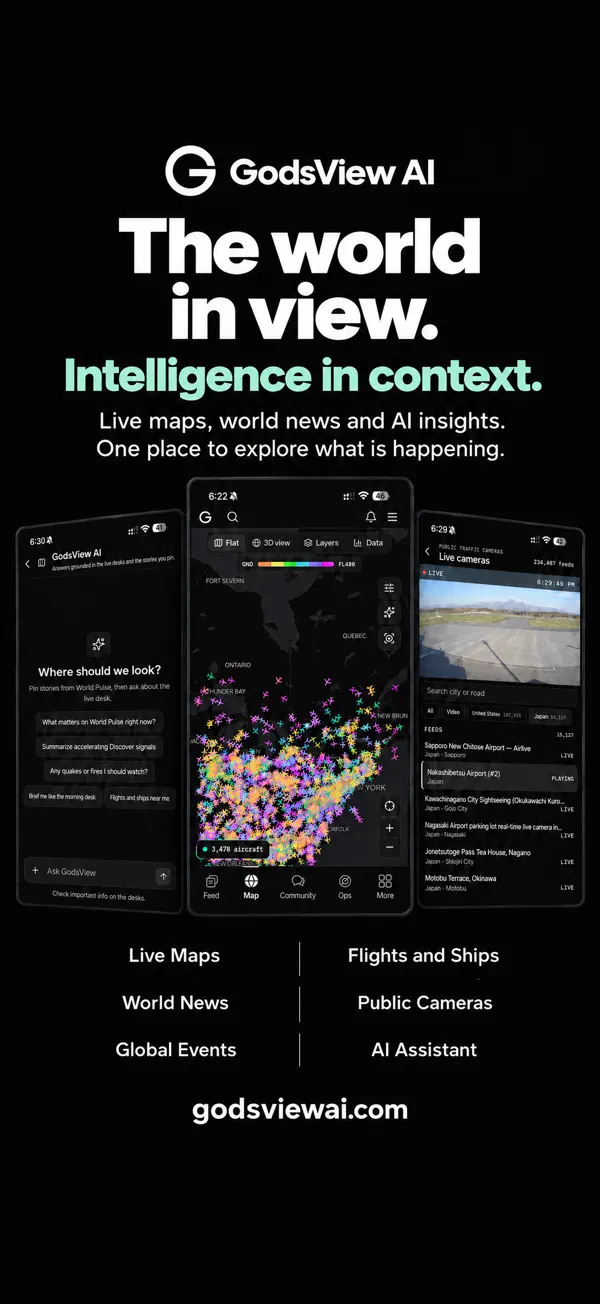
A live map of the world, in your pocket. Flights, quakes, fires, storms, cameras and the news, with alerts for the places you care about. Download free on the App Store.
Open GodsView AI for iPhone · Live flight tracker · Live globe
Download GodsView AI on the App Store
Screenshots
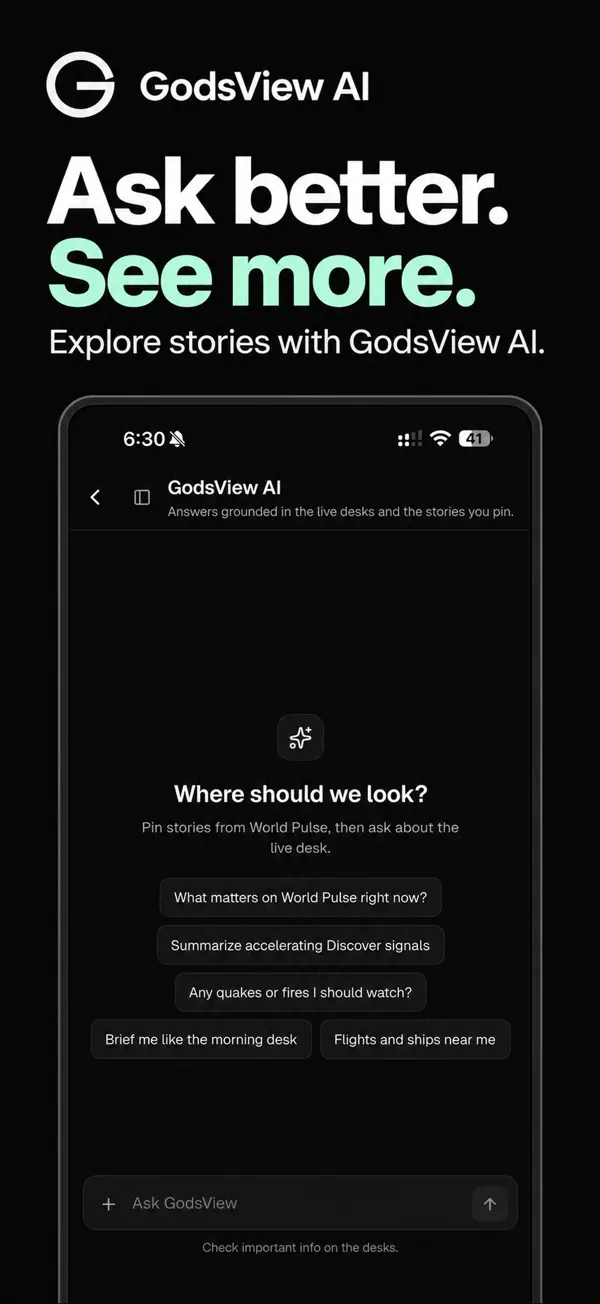
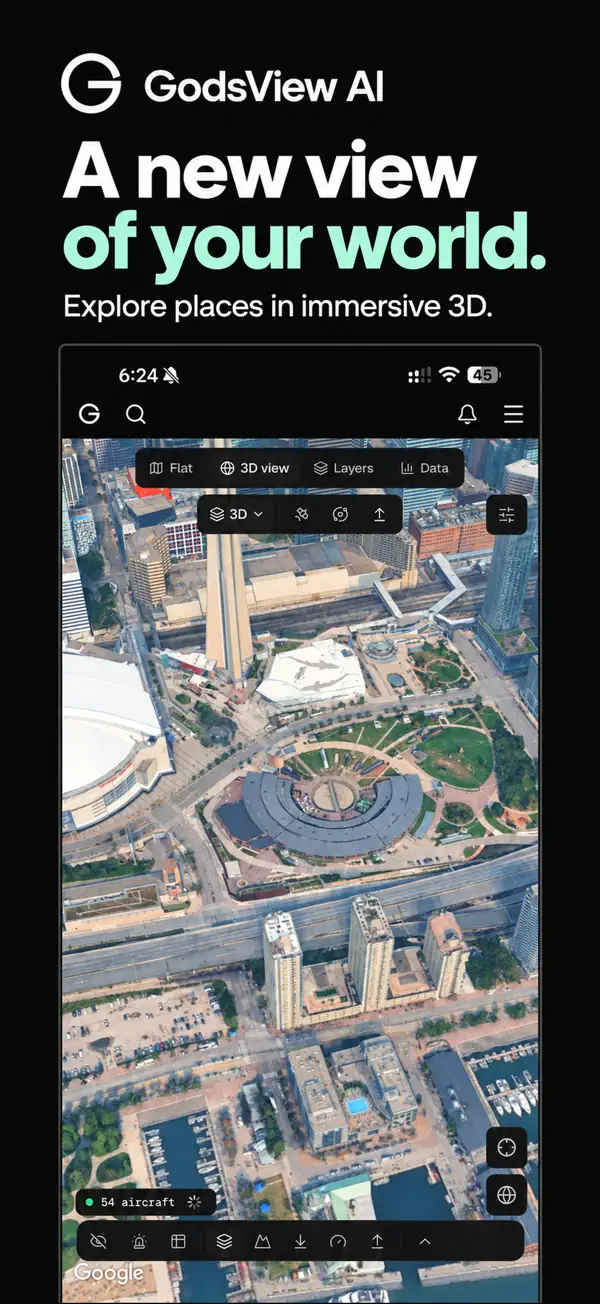
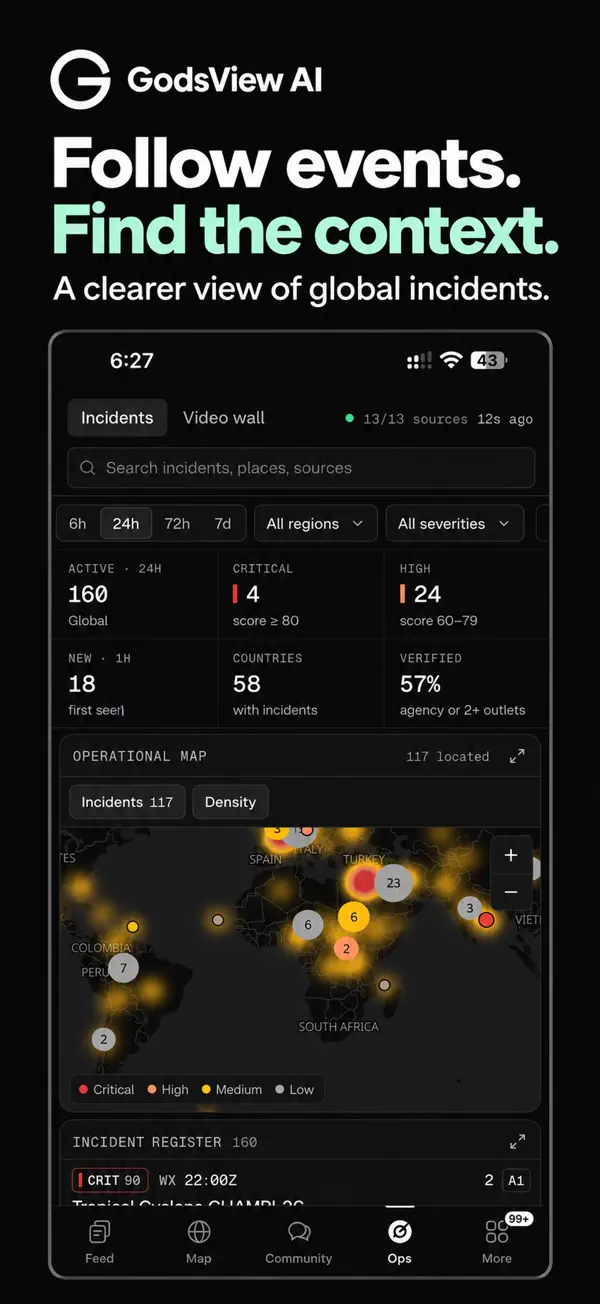
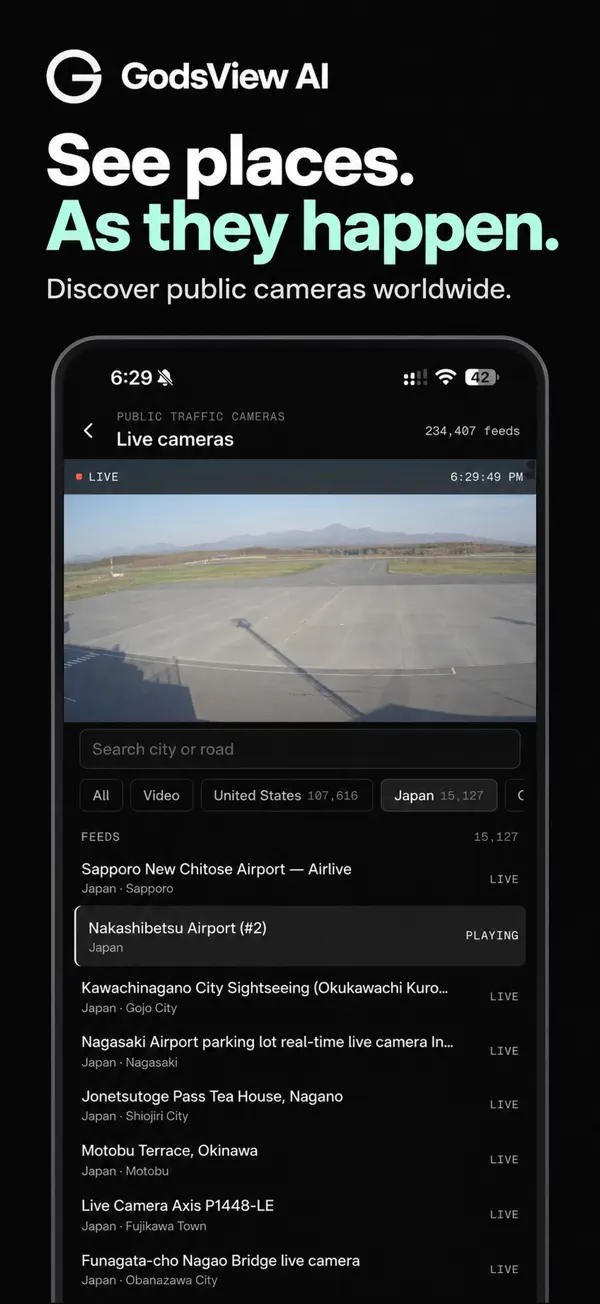
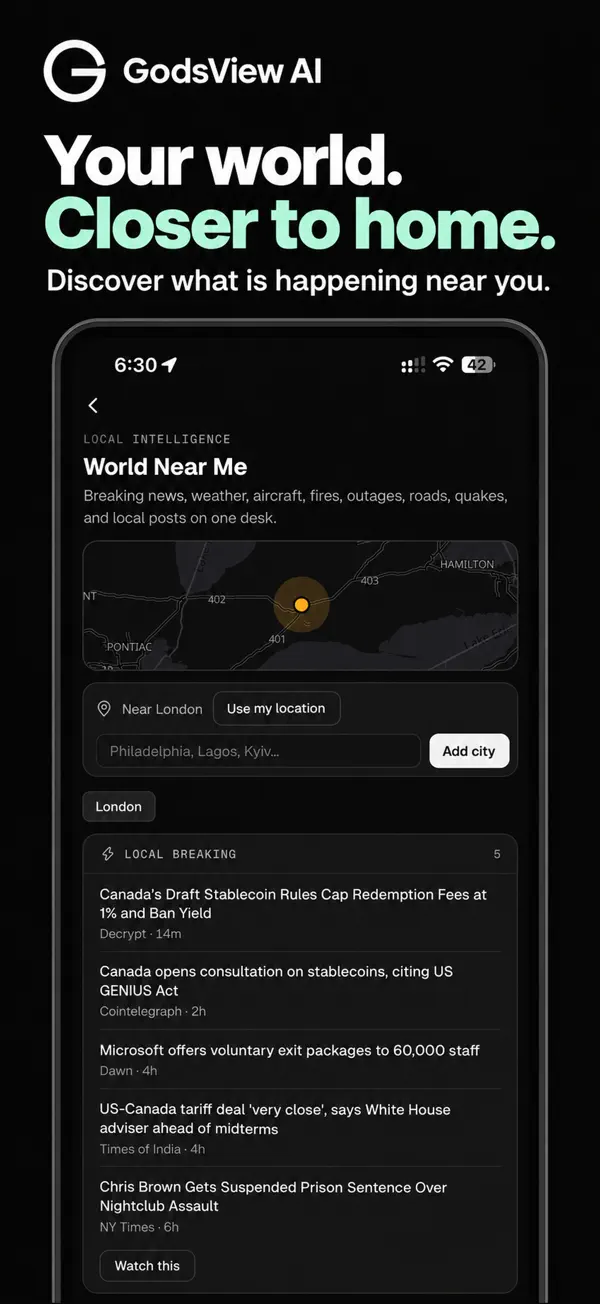
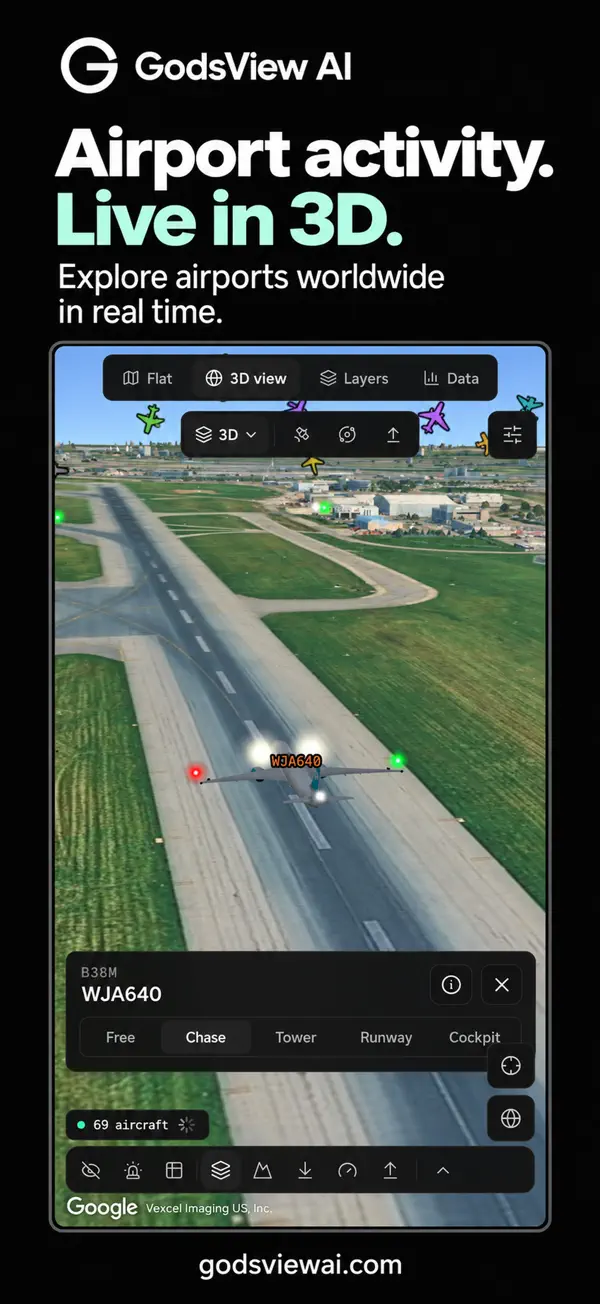
How it works
Download GodsView AI free from the App Store and open the live map. Allow your location to see the planes above you and what is happening nearby, or search for any city.
Save your places, such as home, family or a trip, and choose which alerts you want: earthquakes, wildfires, severe weather, air quality and more. Sign in with your godsviewai.com account to keep your places, watches and plan in sync with the website.
Track flights live
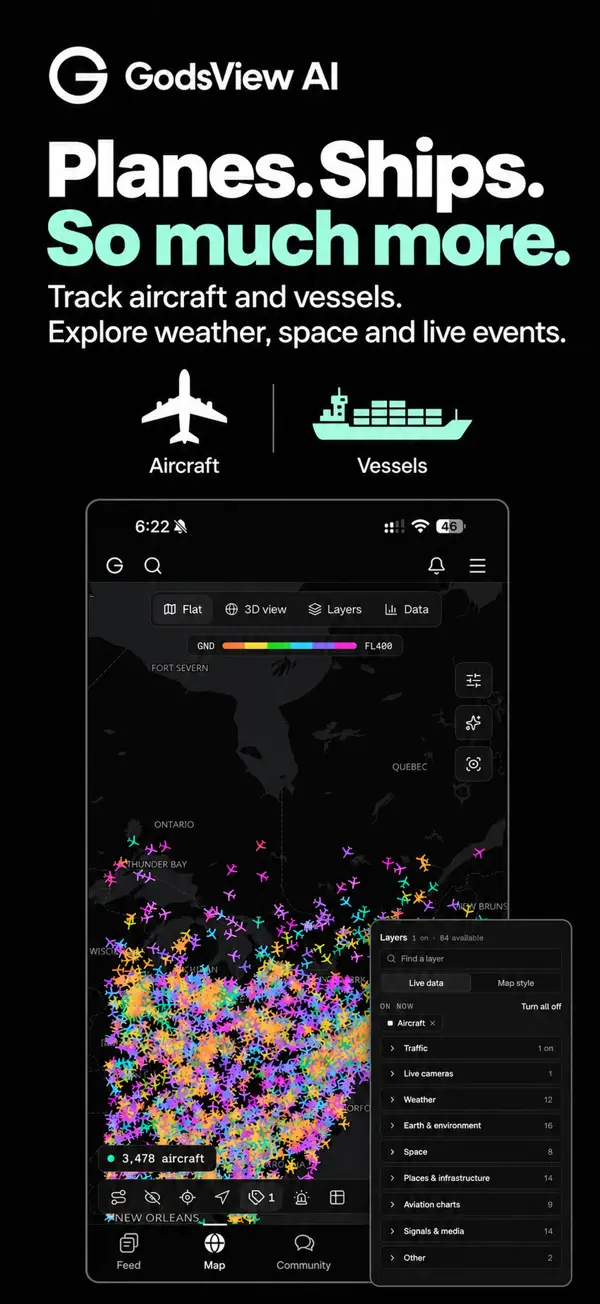
• Every plane in the sky on a live map, with altitude, speed and route
• Point your phone up to see which planes are flying overhead
• Follow any flight and get notified about delays, departures and landings
• Airport arrivals and departures, and airports in 3D
Know what is happening near you
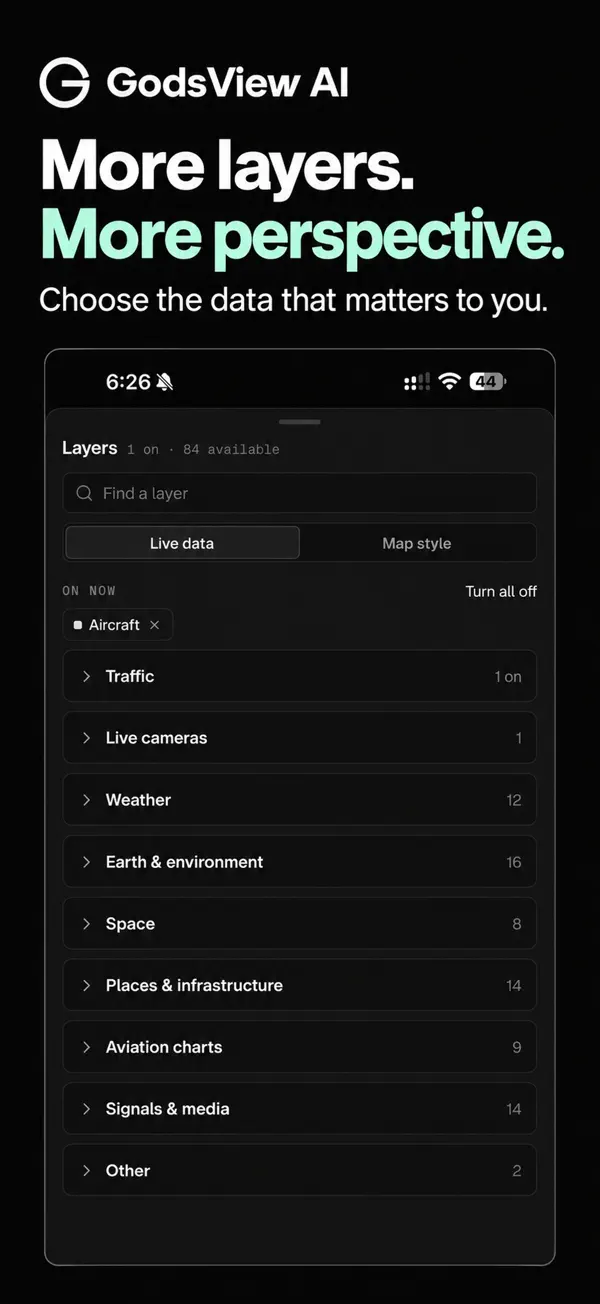
• Earthquakes as they happen, worldwide
• Wildfires and smoke, storms and severe weather warnings
• Air quality (AQI) and aurora forecasts
• Live cameras from around the world
Alerts for your places
• Save your home, family or travel spots
• Get a push alert when something happens nearby
• Quiet hours, and you choose which alerts matter
A world feed that makes sense
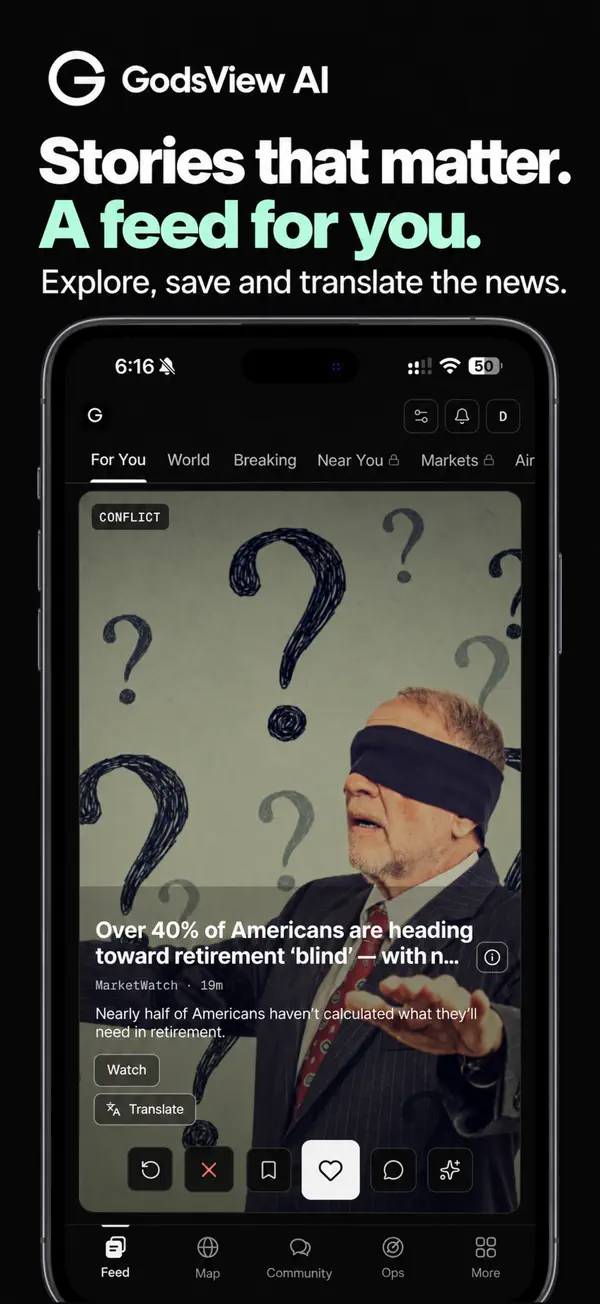
• Top stories, live events and a daily brief
• Sorted by your topics, countries and language
• Ask GodsView AI about anything on the map or in the news
App details
Price: Free, with an optional subscription
Requires: iOS 16.4 or later
Size: About 93 MB
Category: News
Age rating: 4+
Developer: GodsView AI
Questions
Is the GodsView AI app free?
Yes. Download it free from the App Store. The live map, flight tracking, the world feed and alerts for your places are free; a subscription unlocks unlimited alerts, the full daily brief and every premium feature.
I already pay on godsviewai.com. Do I pay again?
No. Sign in to the app with the same account and your plan is included.
Which iPhones does it support?
Any iPhone on iOS 16.4 or later. On a foldable or wide screen the app uses the extra space and rotates to landscape.
Is there an Android app?
Android is in testing. Until it launches, godsviewai.com works in any phone browser with the same features.
How do I cancel an App Store subscription?
Open Settings, tap your name, then Subscriptions, and pick GodsView AI. Subscriptions renew automatically unless you cancel at least 24 hours before the end of the current period.